

TL;DR:
- Instant chat collaboration enables teams to communicate in real time through organized, persistent channels that support multimedia and file sharing. AI integrations enhance productivity by automating summaries, extracting tasks, and streamlining workflows, making chat an active collaboration tool. Success depends on establishing clear etiquette and policies, avoiding knowledge loss, and managing notification overload for effective use.
Instant chat collaboration is defined as synchronous communication that enables teams to exchange messages, files, and multimedia in real time, replacing fragmented email threads with persistent, organized channels. Unlike asynchronous email, modern IM systems operate with sub-second delivery latency, supporting a true conversational experience. This distinction matters because delays in communication directly slow decision-making and project momentum. For professionals managing cross-functional teams, remote workflows, or brand partnerships, understanding what instant chat collaboration delivers in 2026 is not optional. It is the operational baseline for competitive team communication.
What is instant chat collaboration and how does it work?
Instant chat collaboration is a synchronous communication model built on client-server architecture that routes messages between participants in near real time. When a team member sends a message, the client application transmits it to a central server, which then pushes it to all recipients simultaneously. Modern business IM supports multiple modalities beyond text, including secure file sharing, screen sharing, and AI-assisted triage for high-volume communication.
The core features that define a professional-grade real-time chat tool include:
- Text messaging with threading: Persistent channels organized by topic, project, or team prevent conversations from getting buried.
- Presence indicators: Live status signals (active, away, do not disturb) tell teams who is available before they send a message.
- Read receipts: Confirmation that a message has been seen removes the ambiguity that plagues email.
- File and media sharing: Documents, images, and video clips attach directly to conversations, keeping context intact.
- VoIP and video calls: Voice and video escalation from a chat thread removes the need to switch applications.
- Asynchronous fallback: Message queuing and offline delivery ensure that messages reach recipients who are temporarily offline, bridging real-time and offline modes.
AI capabilities are now embedded in leading collaborative chat solutions. Automated meeting summaries, chatbot integrations, and action item extraction reduce the manual overhead of tracking what was discussed and what needs to happen next.
Pro Tip: Set up dedicated channels for each active project from day one. A single general channel becomes unmanageable at scale, and retroactive reorganization wastes significant team time.

What are the benefits of chat collaboration for business teams?
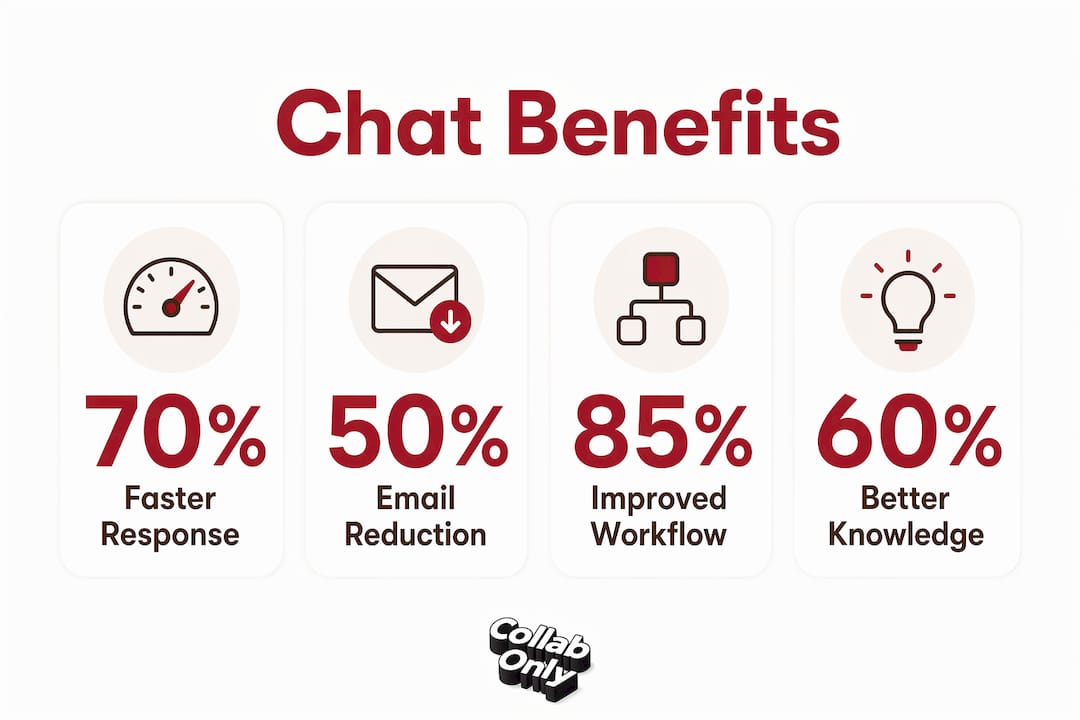
Real-time chat tools produce measurable gains in team responsiveness. Teams check chat platforms more frequently than email during active work sessions, which translates directly into faster feedback loops and shorter decision cycles. For distributed or hybrid teams, this responsiveness is the difference between a project moving forward and stalling while waiting for an email reply.
The practical benefits of instant messaging collaboration, ranked by impact on daily workflows, are:
- Faster response times. Chat eliminates the latency built into email protocols. A question that might wait hours for an email reply gets answered in minutes or seconds.
- Reduced communication fragmentation. Persistent channels centralize all discussion around a topic, so new team members can read the full history without requesting a briefing.
- Richer engagement. Read receipts, emoji reactions, and inline media create a more interactive exchange than plain text email, which keeps participants engaged.
- Remote and hybrid team alignment. Real-time presence indicators and instant updates keep distributed teams synchronized across time zones without requiring scheduled calls.
- Workflow integration. Chat platforms integrate with workflow tools including project management and incident tracking systems, so status updates and alerts surface directly in the conversation where the team is already working.
Team chat platforms centralize workflow management and knowledge sharing, reducing email dependency and boosting collaboration efficiency. That centralization effect compounds over time: the longer a team uses persistent channels, the richer the searchable knowledge base becomes.
Challenges, etiquette, and best practices in chat collaboration
The primary barrier to successful instant chat adoption is cultural, not technical. Managing the always-on culture requires teams to define explicit notification policies and focus modes before problems emerge. Without those guardrails, constant pings fragment deep work and erode productivity faster than email ever did.
Key challenges and the practices that address them:
- Notification overload. Mute non-critical channels during focus blocks. Most platforms support scheduled notification windows that align with working hours.
- Information loss. Treating chat as a substitute for documentation risks knowledge loss. Teams need explicit chat etiquette that defines when to escalate key discussions into tickets, documents, or formal records.
- Inappropriate use cases. Instant chat is ideal for real-time coordination and quick feedback, but not suited for formal documentation or processes requiring audit trails. Reserve chat for live debugging and status updates; use structured systems for lasting records.
- Channel sprawl. Uncontrolled channel creation produces the same fragmentation that chat was meant to solve. Establish a naming convention and archive inactive channels quarterly.
- Cross-timezone etiquette. Mark non-urgent messages clearly so recipients in other time zones do not feel pressure to respond outside working hours.
Pro Tip: Create a shared team document that defines your chat norms: response time expectations, which topics belong in chat versus a project management tool, and when to escalate to a call. Review it every quarter.
How is AI changing instant chat collaboration?
AI is reshaping real-time chat tools from passive message conduits into active workflow participants. Enterprise chat platforms now differentiate between chat as message exchange and chat as collaborative workspace, using AI to reduce cognitive load and automate task extraction. That distinction is significant: a platform that only delivers messages is a utility, while one that extracts action items and surfaces decisions is a productivity system.
The table below maps current AI capabilities to their practical impact in business chat environments.
| AI Capability | Function | Business Impact |
|---|---|---|
| Message summarization | Condenses long threads into key points | Reduces time spent catching up on missed conversations |
| Action item extraction | Identifies tasks and owners from chat history | Eliminates manual note-taking after discussions |
| Chatbot triage | Routes incoming requests to the right channel or person | Reduces response latency for high-volume teams |
| Automated stand-ups | Collects status updates via bot prompts | Replaces scheduled meetings with async check-ins |
| Conversational AI agents | Participates in chats to retrieve data or answer queries | Brings information into the conversation without app switching |
Instant chat is evolving into conversational UIs where AI agents participate alongside humans, automating stand-ups and data retrieval directly in chat interfaces. This represents a structural shift in how teams manage information flow, not just a feature upgrade. Teams that adopt AI-assisted chat now build institutional habits that will compound in value as the technology matures.
Chat collaboration examples across business workflows
Instant messaging collaboration applies across nearly every business function. The use cases below illustrate where real-time chat tools deliver the clearest operational value.
- Live debugging and incident coordination. Engineering teams use dedicated incident channels to coordinate response in real time, with all decisions and actions logged in a single thread for post-incident review.
- Project status updates. Product and marketing teams post daily updates in project channels, replacing status meetings and keeping stakeholders informed without scheduling overhead.
- Client and vendor communication. Shared channels with external partners replace slow email threads, giving both sides visibility into the same conversation history.
- Cross-functional campaign coordination. Marketing, design, and sales teams working on a product launch use a shared channel to align on assets, deadlines, and approvals without version-control confusion.
- Onboarding new team members. New hires join relevant channels and read the history to absorb context that would otherwise require multiple onboarding calls.
Platform-based collaboration in 2026 extends these use cases further, with AI-driven interfaces that surface relevant conversations and files automatically. Teams evaluating their own workflows should audit which communication currently happens over email and ask whether a persistent, searchable channel would serve that need better. The answer is yes in most cases.
For marketing teams specifically, the role of instant chat in influencer campaigns is particularly pronounced. Brief turnarounds, asset approvals, and creator feedback loops all benefit from the speed and context that chat provides over email.
Key Takeaways
Instant chat collaboration is most effective when teams combine real-time messaging with defined etiquette, AI-assisted tools, and clear rules about when to escalate conversations into formal documentation.
| Point | Details |
|---|---|
| Core definition | Instant chat collaboration is synchronous, sub-second messaging with presence indicators and multimedia support. |
| Primary benefit | Persistent channels reduce email fragmentation and accelerate team response times across distributed workflows. |
| Biggest risk | Treating chat as documentation leads to knowledge loss; escalate key decisions to tickets or formal records. |
| AI advantage | Action item extraction and message summarization reduce cognitive load and replace manual note-taking. |
| Adoption barrier | Cultural norms around notification management matter more than technical setup for long-term productivity gains. |
The real cost of getting chat culture wrong
Most teams adopt a real-time chat tool and assume the productivity gains follow automatically. They do not. What I have observed consistently is that the tool is rarely the problem. The problem is that teams import their email habits into chat: long-form messages, unclear ownership, no response time norms, and no escalation path for decisions that need a record.
The teams that get the most from instant messaging collaboration are the ones that treat chat culture as a deliberate design problem. They define what belongs in chat, what belongs in a project management system, and what requires a document. They set notification policies before the volume gets unmanageable. They audit their channels quarterly and archive the ones that have gone quiet.
The AI capabilities now built into enterprise chat platforms make this discipline even more important. Automated summaries and action item extraction only work well when conversations are structured enough to extract signal from. A chaotic, high-volume channel produces chaotic summaries. The efficiency gains from collaboration tools compound when the underlying communication habits are sound.
My recommendation: before rolling out any new chat platform, spend one hour with your team defining three things. First, which channels you need and why. Second, what response time is expected for different message types. Third, when a chat conversation must be escalated into a document or ticket. That one hour prevents months of friction.
— Samuel
Collabonly connects teams where it counts
Collabonly is built for the kind of real-time collaboration that moves marketing and creator partnerships forward without the friction of lost DMs or slow email chains. When a brand and creator match on the platform, instant chat opens immediately, giving both sides a direct, persistent channel to align on deliverables, share assets, and confirm approvals.
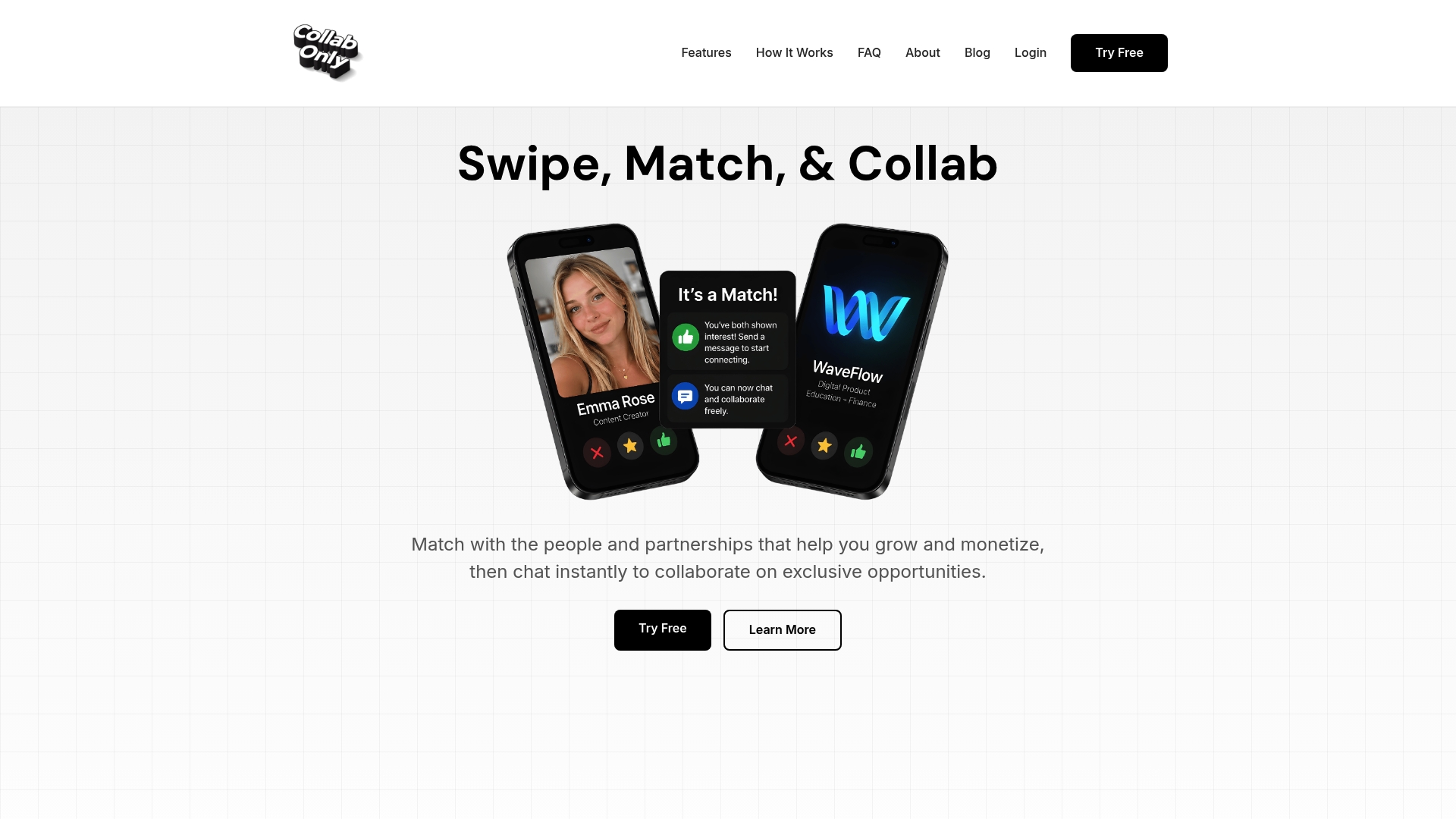
For brands managing influencer campaigns at scale, the Collabonly influencer marketplace combines match-based discovery with built-in chat, so outreach and communication happen in one place. Creators on TikTok, Instagram, and YouTube can connect with brand partners without the back-and-forth that typically slows campaign kickoffs. If you are evaluating how instant chat collaboration fits into your marketing workflow, Collabonly is worth a direct look.
FAQ
What is instant chat collaboration?
Instant chat collaboration is synchronous, real-time communication that lets teams exchange messages, files, and multimedia with sub-second delivery latency. It differs from email by supporting presence indicators, read receipts, and persistent organized channels.
How does instant chat collaboration work technically?
A client application sends messages to a central server, which pushes them to recipients in near real time. Message queuing handles offline delivery, ensuring no messages are lost when a recipient is temporarily unavailable.
What are the main benefits of chat collaboration over email?
Chat delivers faster response times, persistent searchable history, and richer media sharing. Teams check chat platforms more frequently than email during active work sessions, which accelerates decision cycles.
When should teams use chat versus formal documentation?
Chat is best for live coordination, quick feedback, and status updates. Formal documentation or project management tools are required for decisions that need an audit trail or long-term organizational reference.
How is AI improving real-time chat tools in 2026?
AI now automates message summarization, action item extraction, and chatbot triage within chat platforms. These capabilities reduce the manual overhead of tracking decisions and tasks across high-volume team conversations.